
CRM and Third-Party Integrations for WordPress
We connect your WordPress website with CRMs, marketing platforms, ERPs, payment systems, and other business tools using APIs, webhooks, and automation workflows. Data flows between your website and the systems your team already uses.
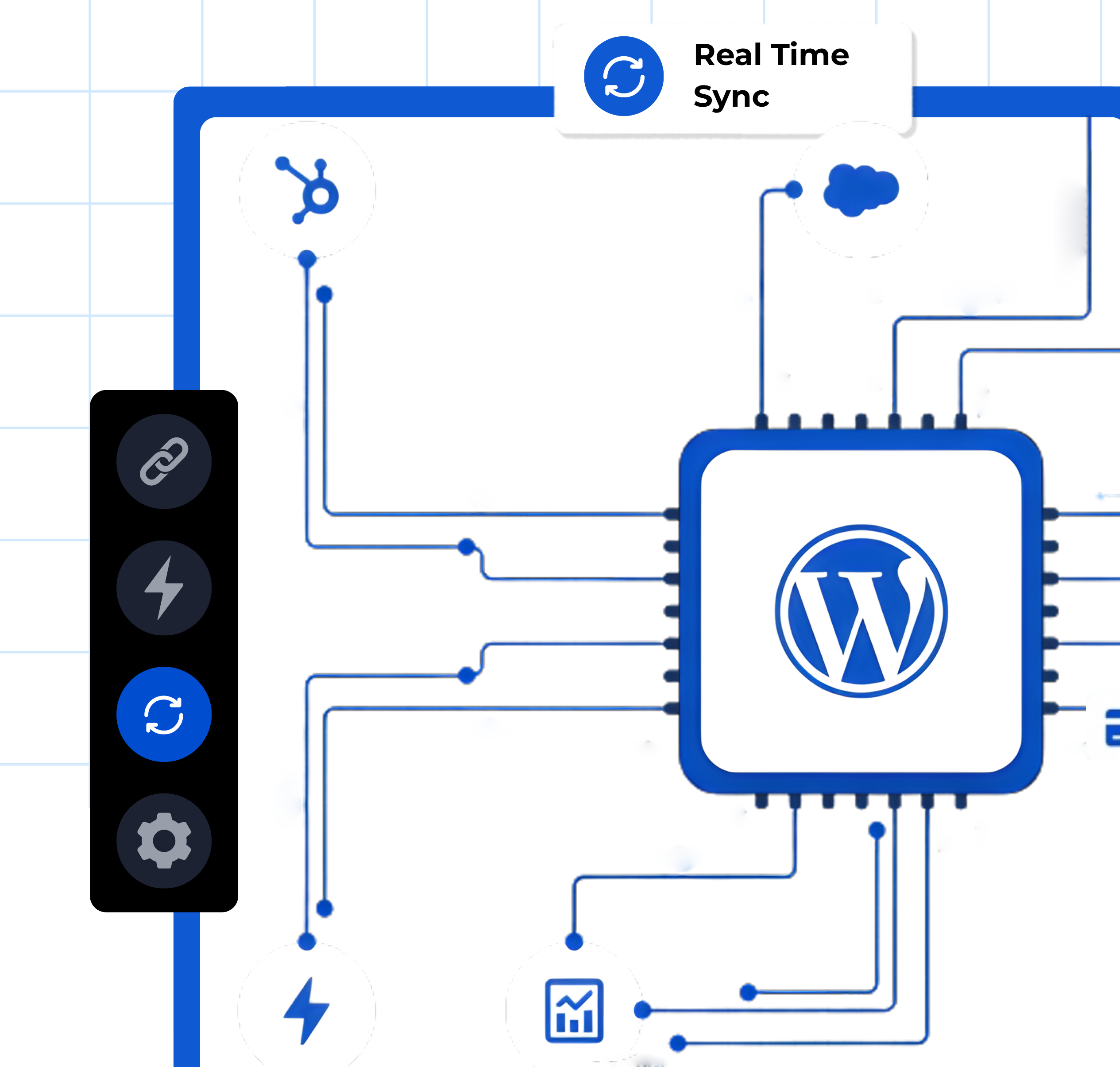

What Are WordPress CRM and Third-Party Integrations
A WordPress integration connects your website with external software so data moves automatically between systems. When a visitor fills out a form, places an order, or registers an account, that information can be sent directly to your CRM, email marketing tool, ERP, or any other platform your business relies on. Integrations eliminate manual data entry, reduce errors, and keep your teams working from one source of truth.
Connect Your Website to the Tools Your Business Runs On
Your WordPress site generates leads, orders, registrations, and customer interactions every day. Without proper integrations, that data sits in WordPress while your sales, marketing, and operations teams work in separate systems.
Automated Lead Capture and Routing
Form submissions, chat interactions, and user registrations pushed directly into your CRM as contacts or leads with proper tagging and assignment.
Two-Way Data Sync
Changes made in your CRM, ERP, or marketing platform reflect on your WordPress site and vice versa. No manual imports or exports.
Workflow Automation Across Platforms
Trigger actions in one system based on events in another. A WooCommerce purchase can start an email sequence, update a CRM deal stage, and create an invoice automatically.

WordPress Integrations Work for Businesses That Use Multiple Software Tools
Ideal for online stores that need WooCommerce connected to inventory systems, accounting software, shipping providers, and marketing platforms.
A strong fit for businesses that capture leads through WordPress and need them routed into Salesforce, HubSpot, Pipedrive, or other sales CRMs.
Useful for software businesses that need their WordPress marketing site connected to product analytics, support desks, billing systems, and customer databases.
Helpful for platforms that need member data synced between WordPress, payment processors, email marketing tools, and community platforms.
Works well for service companies that use project management, invoicing, and client portal tools alongside their WordPress website.
Best for organizations that need LMS data, student records, and enrollment information connected to CRMs, email systems, and administrative tools.
Everything Included in Our WordPress Integration Service
From CRM setup to custom API development, we handle the full technical scope of connecting your WordPress site with external platforms.
CRM Integration
We connect your WordPress site with HubSpot, Salesforce, Zoho, ActiveCampaign, Pipedrive, FluentCRM, or any CRM that supports API or plugin-based integration. Leads, contacts, and customer data flow automatically.

Payment and Billing Integration
Stripe, PayPal, Razorpay, or other payment processors configured with recurring billing, subscription management, and automated receipt generation.
Marketing Automation Setup
Email marketing platforms like Mailchimp, ActiveCampaign, ConvertKit, or FluentCRM connected with automated sequences triggered by user actions on your site.
Custom API Development
For platforms without off-the-shelf plugins, we build custom REST API integrations that connect your WordPress site with proprietary or internal business systems.
ERP and Accounting Integration
Connect WordPress and WooCommerce with Zoho Books, QuickBooks, Xero, Odoo, or other accounting and ERP systems for automated invoicing, order sync, and financial reporting.
How We Build Your WordPress Integrations
From mapping your data flows to testing every connection, every project follows a structured process based on your tool stack and business workflows.
01
Discovery and Integration Mapping
02
Development and Configuration
We build the integrations using plugins, APIs, webhooks, or automation platforms like Zapier and Make, depending on what your systems support.
03
Testing, Launch, and Documentation
We test every data flow end to end, verify field mapping accuracy, and deliver documentation so your team understands how the integrations work.
Advanced Capabilities for Complex Integration Requirements
For businesses with multiple systems or custom data workflows, we build and configure advanced integration architecture.
Multi-System Orchestration
Connect three or more platforms in a single workflow. For example, a form submission creates a CRM contact, triggers an email sequence, updates a Google Sheet, and notifies a Slack channel simultaneously.
WooCommerce to ERP Sync
Automate order, inventory, and customer data sync between WooCommerce and enterprise resource planning systems like Odoo, SAP, or NetSuite.
Webhook-Based Real-Time Data Flows
For time-sensitive operations, we configure webhook-based integrations that push data between systems in real time instead of scheduled batch syncs.
WP Fusion and Middleware Configuration
For membership sites, LMS platforms, and eCommerce stores, we configure WP Fusion or similar middleware tools to keep WordPress user data and CRM records in constant sync.
Ready to Connect Your WordPress Site With Your Business Tools?
Tell us about the platforms you use and the data flows you need. Our team will map the integration architecture and share a clear plan with timeline and scope.

Frequently Asked Questions
Most major CRMs work with WordPress, including HubSpot, Salesforce, Zoho, ActiveCampaign, Pipedrive, FluentCRM, and Bitrix24. Integration is done through native plugins, WP Fusion, REST APIs, webhooks, or automation platforms like Zapier depending on the CRM and your requirements.
Not always. Many CRMs and business tools have existing WordPress plugins or Zapier connectors that handle standard data flows. Custom API development is needed when you are connecting with proprietary systems, need complex conditional logic, or require real-time two-way data sync that off-the-shelf tools cannot handle.
Yes. WooCommerce can be connected with QuickBooks, Xero, Zoho Books, Odoo, and other accounting platforms. Orders, invoices, customer records, and payment data can be synced automatically so your financial records stay up to date without manual entry.
Plugin-based integrations use pre-built connectors that are configured through the WordPress dashboard. API-based integrations involve custom code that connects your WordPress site directly to another platform’s API for more control, flexibility, and complex data handling. We use whichever approach fits your requirements best.
Yes. Zapier and Make act as middleware that connects WordPress with thousands of other applications. They are particularly useful for connecting platforms that do not have native WordPress plugins, or for building multi-step automated workflows across several tools.
Not when configured properly. We use asynchronous processing, webhook-based triggers, and server-side operations so that integrations run in the background without affecting frontend page load times.
Yes. If your business uses a custom-built internal tool with an API, we can build a custom integration that connects it with your WordPress site. This requires API documentation from your internal development team.
All data transfers use encrypted connections (SSL/TLS). API keys and credentials are stored securely. We follow the principle of least privilege, meaning each integration only accesses the data it needs. Payment and personal data handling follows PCI and GDPR compliance standards.
