
WordPress Security and Malware Removal Solutions
We secure WordPress websites against threats and clean up compromised sites. From proactive security hardening to emergency malware removal, blacklist recovery, and ongoing monitoring, your site stays protected at every stage.
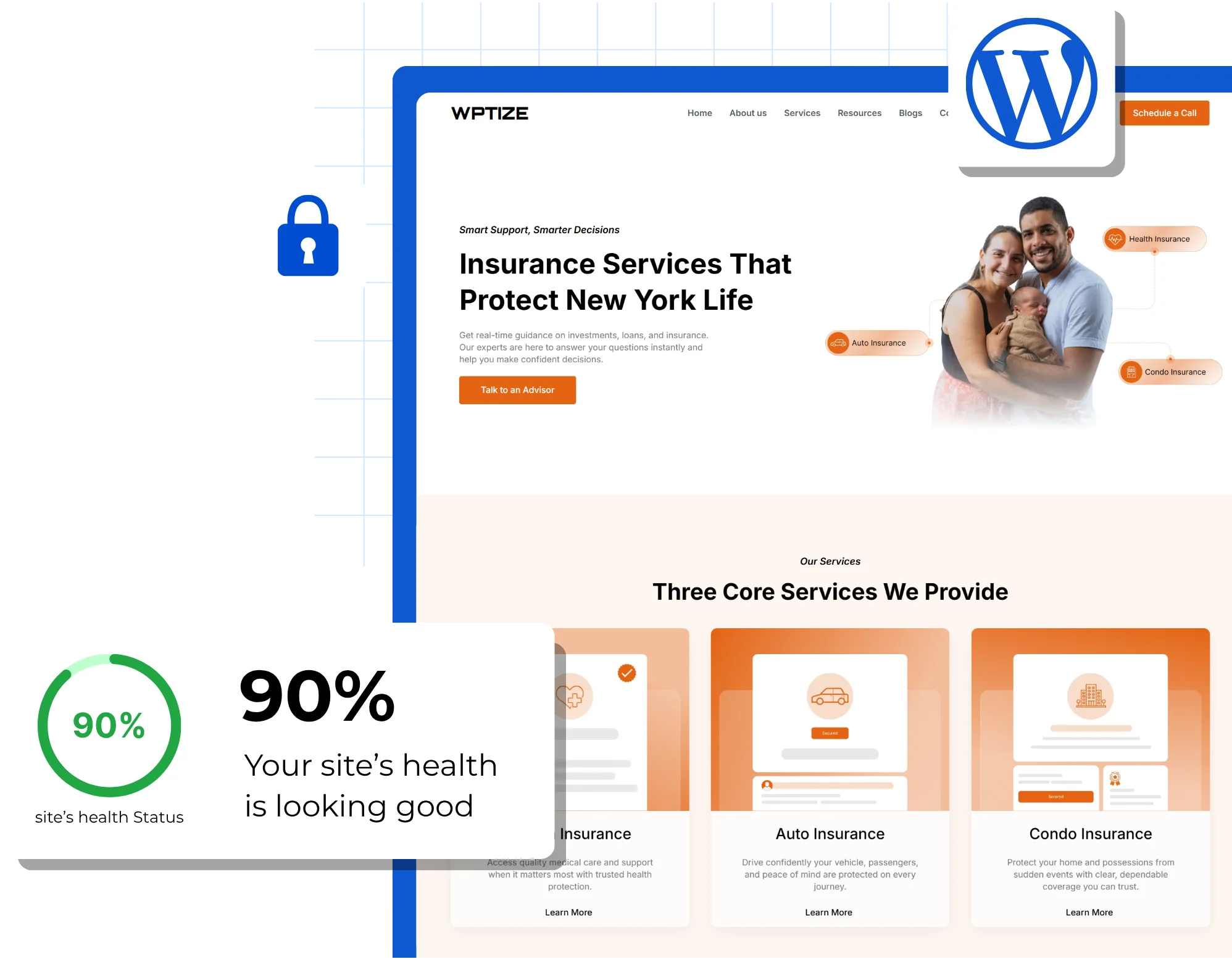

What Is WordPress Security and Malware Removal
WordPress security covers everything that protects your website from unauthorized access, data breaches, and malicious code injection. Malware removal is the process of identifying and cleaning infected files, databases, backdoors, and redirects after a site has been compromised. A complete security approach combines both: proactive measures to prevent attacks and reactive response to fix them when they happen.
Protect Your Website’s Traffic, Revenue, and Trust
A hacked WordPress site does not just go offline. It redirects visitors to malicious pages, gets blacklisted by Google, triggers browser security warnings, and puts customer data at risk. The cost of recovery is always higher than the cost of prevention.
Proactive Security Hardening
Prevent attacks before they happen with firewall configuration, login protection, file integrity monitoring, and vulnerability patching.
Emergency Malware Removal
If your site is already compromised, we identify the infection, remove all malicious code, clean backdoors, and restore your site to a secure state.
Ongoing Monitoring and Response
Continuous scanning and real-time alerts so threats are detected and addressed before they cause visible damage to your site or rankings.

WordPress Security Works for Any Businesses
Ideal for online stores handling payment data, customer accounts, and transaction records that require PCI-compliant security measures.
A strong fit for companies where a hacked website directly damages brand reputation, client trust, and lead generation.
Useful for sites managing gated content, user accounts, and recurring payment data that must remain private and secure.
Helpful for businesses in regulated industries where data breaches carry legal consequences and compliance requirements.
Works well for publishers and content platforms where a malware infection can destroy SEO rankings and organic traffic overnight.
Best for agencies responsible for maintaining client websites where a security incident on one site affects the entire business relationship.
Everything Included in Our WordPress Security and Malware Removal Service
From initial assessment to post-cleanup hardening, we handle the full scope of securing your WordPress site and cleaning up existing infections.
Full Site Malware Scan and Removal
Deep scan of WordPress core files, themes, plugins, database tables, .htaccess, and wp-config.php to identify and remove all malicious code, injected scripts, backdoors, and spam links.
Vulnerability Patching
Outdated WordPress core, themes, and plugins updated and patched. Known vulnerabilities closed. Abandoned or insecure plugins replaced with secure alternatives.
Blacklist and Browser Warning Removal
If your site has been flagged by Google Safe Browsing, Google Search Console, or other blacklist services, we submit review requests and monitor until warnings are cleared.
Order and Shipping Management
File Integrity Monitoring Automated monitoring that detects unauthorized changes to WordPress core files, theme files, and plugin files, alerting your team before damage spreads.
Firewall and Login Protection
Web application firewall configured to block brute force attacks, SQL injection, cross-site scripting, and other common attack vectors. Login hardening with two-factor authentication and failed attempt lockout.
Secure WordPress Infrastructure You Can Trust
Every security engagement includes hardening measures applied at both the server level and the application level to reduce your attack surface.
Web application firewall with real-time threat blocking
Two-factor authentication for all admin accounts
Brute force and bot protection on login and registration pages
XML-RPC and REST API restriction where not needed
Database prefix changes and security key rotation
Automated daily backups with off-site storage
File permission hardening across WordPress directories
SSL enforcement and mixed content resolution
How We Secure Your WordPress Website
Whether you need emergency malware removal or proactive security setup, every project follows a structured process.
01
Security Audit and Threat Assessment
We scan your site for existing infections, vulnerabilities, outdated software, weak configurations, and exposed entry points.
02
Cleanup, Hardening, and Configuration
We remove all malware, close vulnerabilities, configure firewalls and monitoring tools, and apply security hardening across your WordPress installation.
03
Monitoring, Reporting, and Ongoing Protection
We set up continuous scanning, real-time alerts, and regular security reports. For ongoing protection, our maintenance plans include monitoring and incident response.
Advanced Security Capabilities for High-Risk Websites
For businesses with elevated security requirements, we configure advanced protection measures.
DDoS Mitigation and CDN Security
Cloudflare or Sucuri CDN configured with DDoS protection, rate limiting, and geographic access rules to filter malicious traffic before it reaches your server.
Custom Security Rules and IP Management
Granular firewall rules, IP whitelisting and blacklisting, country-based access restrictions, and custom security headers configured for your specific threat profile.
GDPR and Compliance-Ready Security
Data encryption, access logging, consent management, and data handling procedures configured to support GDPR, HIPAA, or industry-specific compliance requirements.
Incident Response and Recovery Planning
Documented response procedures, backup restoration workflows, and escalation protocols so your team knows exactly what to do if a breach occurs.
Ready to Secure Your WordPress Website?
Tell us about your current security concerns or describe the issue you are facing. Our team will assess your site and share a clear remediation or hardening plan.

Frequently Asked Questions
Common signs include unexpected redirects to unfamiliar websites, new admin users you did not create, spam content or links injected into your pages, browser security warnings, sudden traffic drops, and your hosting provider suspending your account. If anything looks wrong, it is safer to assume a compromise has occurred.
Most cleanups are completed within 24 hours. Complex infections involving database injection, multiple backdoors, or server-level compromise may take longer. We prioritize speed without cutting corners on thoroughness.
Yes. After cleanup, we submit a review request through Google Search Console and monitor until the warning is removed. Google typically processes reviews within a few days once the site is verified clean.
Security plugins like Wordfence, Sucuri, or MalCare provide automated scanning and basic protection. A professional security service includes manual inspection, root cause analysis, custom firewall configuration, vulnerability patching, and ongoing monitoring tailored to your specific site and threat profile. Plugins are a layer of defense. Professional services are the full strategy.
Yes. We configure PCI-compliant security measures including SSL enforcement, secure payment gateway configuration, database encryption, access controls, and vulnerability patching. Customer payment data is processed through third-party gateways and never stored on your server.
Yes. Our WordPress maintenance plans include continuous malware scanning, file integrity monitoring, real-time alerts, and incident response. For businesses that need always-on protection, we offer dedicated monitoring and support.
The most common entry points are outdated plugins or themes with known vulnerabilities, weak admin passwords, compromised hosting environments, and phishing attacks targeting site administrators. Brute force login attempts and SQL injection are also common attack methods.
We do not just remove the malware. We identify the root cause of the breach, close the vulnerability that was exploited, update all software, configure firewall rules, and set up monitoring to detect any future attempts. Without addressing the root cause, reinfection is likely.
